What Is Shadow AI?
Shadow AI is the use of AI tools, applications, agents, or models inside an organization without the knowledge or approval of IT and security teams. It is the AI-era equivalent of shadow IT, but riskier, because AI tools ingest company data, act through user identities, and connect to sensitive systems.
Shadow AI detection and monitoring have become core security functions as a result: surveys indicate around 71% of workers admit to using unapproved AI tools at work, and most organizations discover far more AI in their environment than expected once they start looking.
Key facts about shadow AI:
- Definition: AI use without IT/security approval, including apps, agents, models, extensions, and MCP servers
- Prevalence: ~71% of workers report using unapproved AI tools
- Primary risks: data leakage, identity and permission sprawl, compliance exposure, untraceable AI actions
- Detection sources: browser, network/DNS, endpoint, and cloud/identity telemetry
- Recommended response: discover, risk-assess, and govern, rather than blanket bans
How does shadow AI happen?
Shadow AI rarely comes from bad intent. Employees adopt AI tools because they make work faster, and most organizations approve tools more slowly than employees discover them. Common entry points include:
- Browser-based AI apps. An employee opens ChatGPT, Claude, Gemini, or a niche AI writing tool in a personal browser tab and pastes in company data.
- AI features inside sanctioned software. A tool the company already approved, such as Notion, Canva, or Grammarly, ships an AI feature that sends data to a third-party model. The tool was reviewed; the AI feature was not.
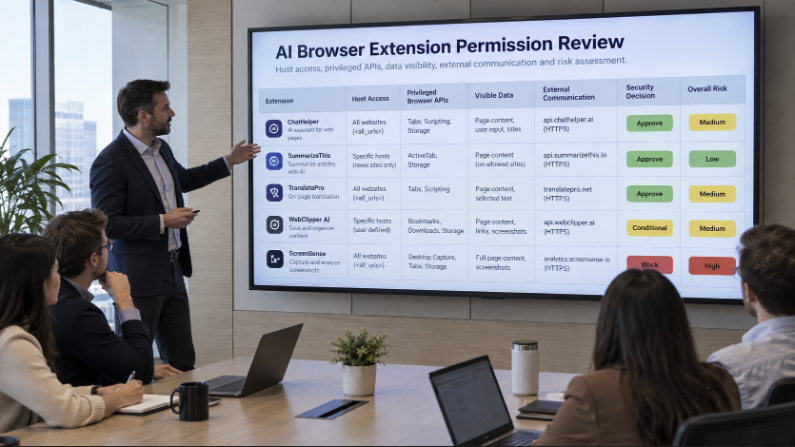
- Browser extensions and IDE plugins. Coding assistants, summarizers, and meeting note-takers are installed by individual users, often with broad read permissions.
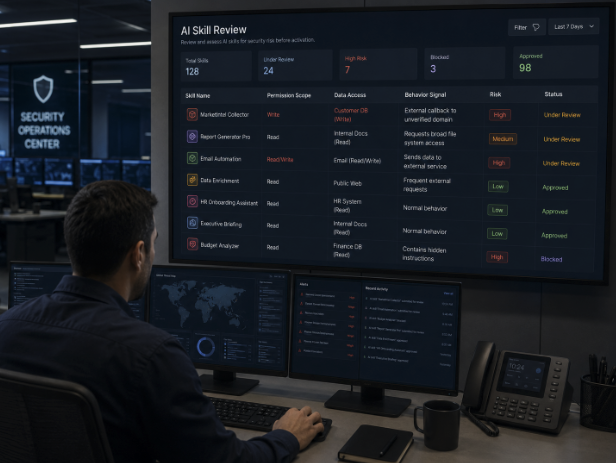
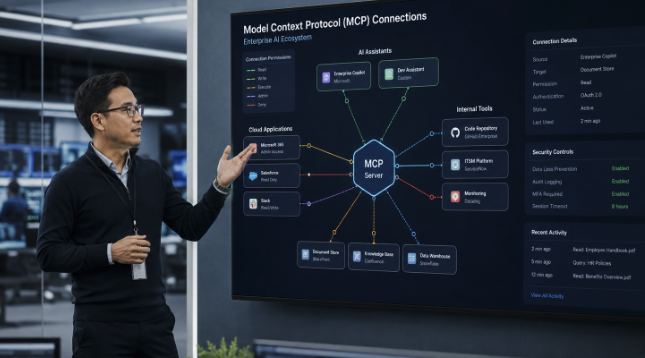
- AI agents and automations. Employees connect agents (via platforms like n8n, Make, or CrewAI) or MCP servers to email, CRMs, and file storage, granting the AI standing access to those systems.
- Open-source models on endpoints. Developers run local models through tools like LM Studio or Ollama, outside any monitored SaaS environment.
Why is shadow AI a security risk?
Finding an unapproved AI tool is only the first step. The actual risk is what that tool can do once it is in use. The main risk categories are:
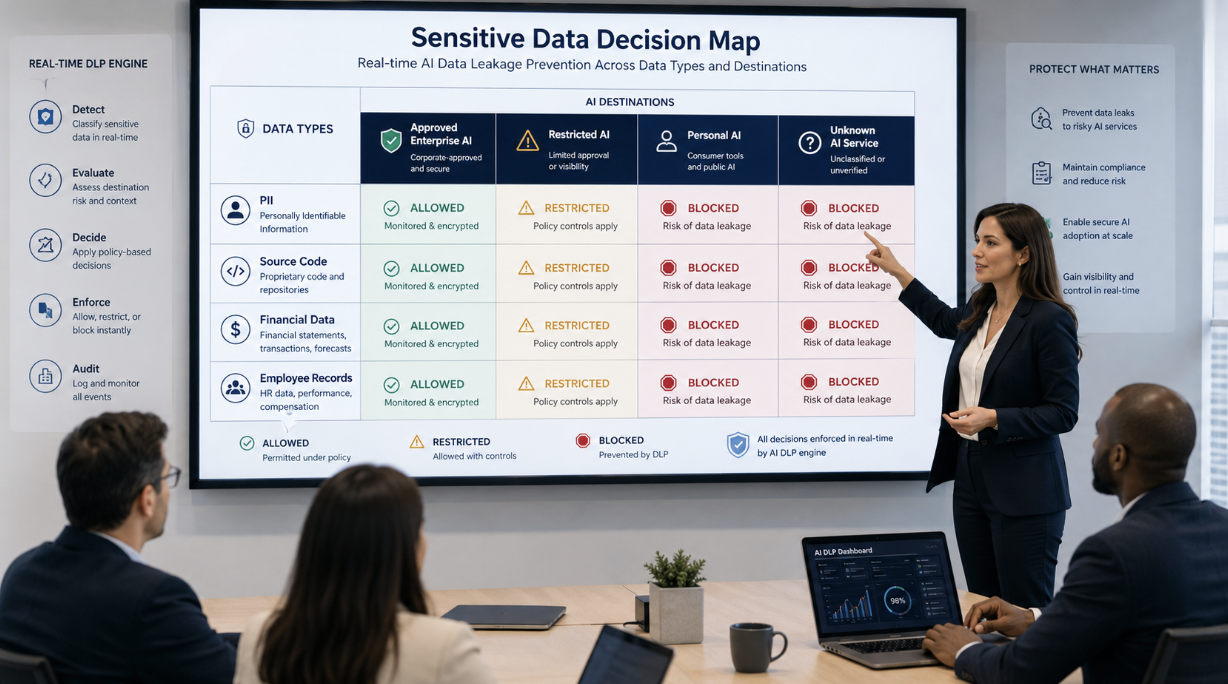
Data leakage. Prompts, uploaded files, and connected data sources can expose customer records, source code, financials, and PII to third-party model providers. Some consumer AI tools train on user inputs by default.
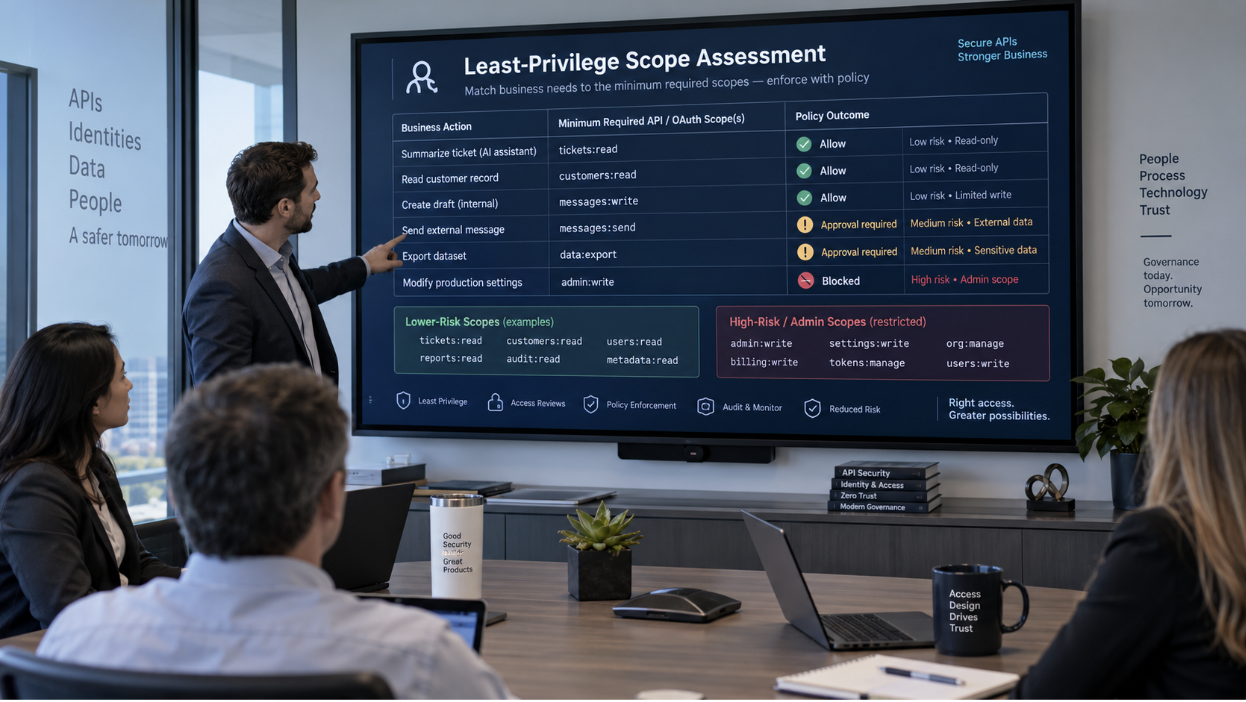
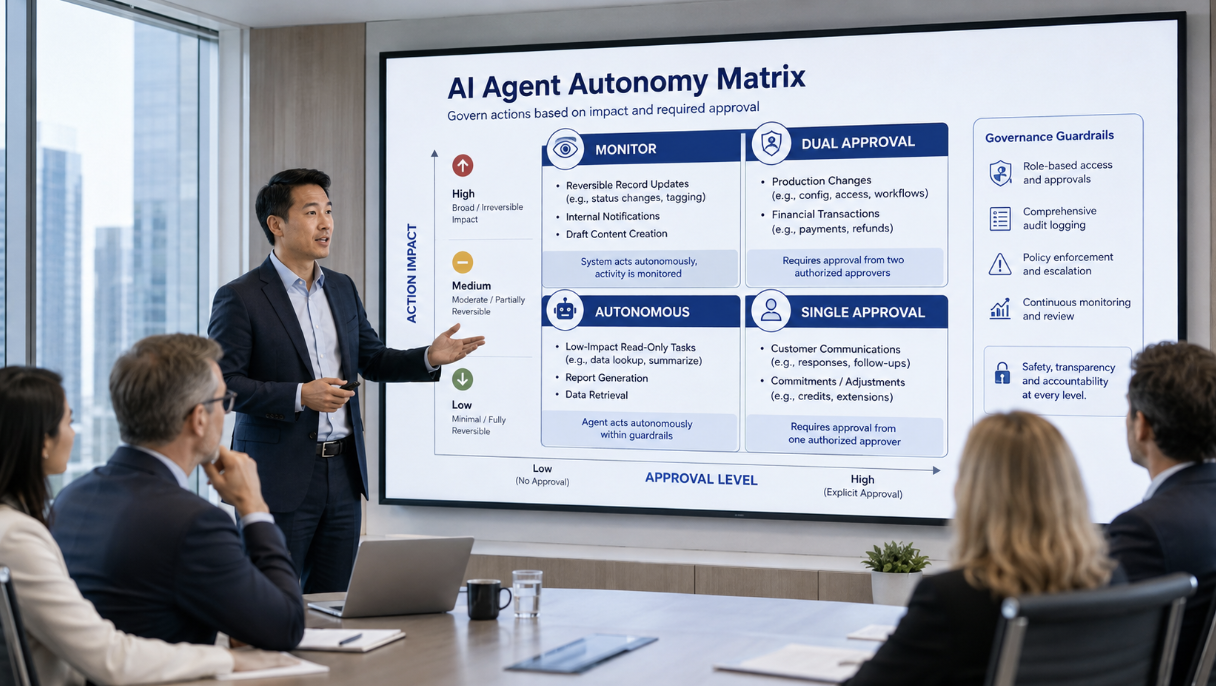
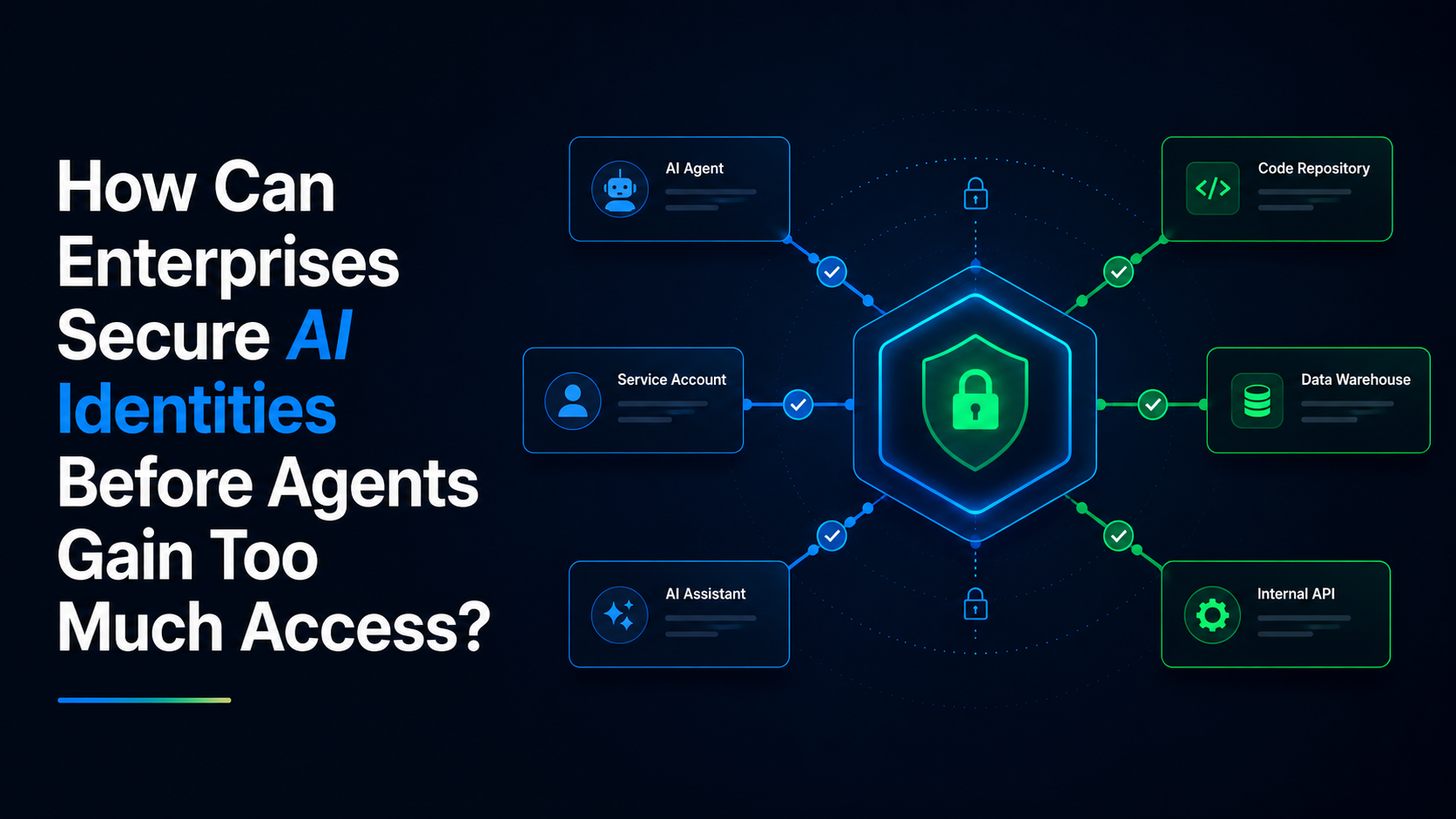
Identity and permission sprawl. AI agents and integrations typically operate through OAuth grants tied to a real employee's identity. An agent connected to a mailbox or a Salesforce instance holds that user's permissions around the clock, without the review a new human hire would get.
Compliance exposure. Unapproved AI use can violate GDPR, HIPAA, SOC 2 commitments, and sector rules, and it undermines readiness for the EU AI Act and NIST AI RMF, both of which assume the organization knows what AI it runs.
Untraceable actions. When an AI agent modifies records, sends messages, or writes code under a human identity, incident response becomes harder. Logs show the user, not the AI.
How to detect shadow AI
There is no single log that lists AI usage, so detection works by correlating telemetry signals with the organization already collects. The four main detection layers are:
- Browser telemetry. Enterprise browser tools and extensions reveal which AI web apps employees visit and what data flows into them. This catches the largest share of shadow AI, since most AI use starts in a browser.
- Network and DNS analysis. Gateway, CASB, and DNS logs expose traffic to AI service domains and APIs, even when nothing is installed on the device.
- Endpoint inventory. EDR and MDM data (from tools like CrowdStrike, Tanium, or Jamf) reveal installed AI applications, local models, IDE plugins, and browser extensions on managed devices.
- Cloud and identity logs. SSO and OAuth logs from providers like Okta and Microsoft Entra show which AI apps employees have granted access to company data, and cloud logs reveal AI workloads and API usage inside AWS, Azure, and GCP.
Manual review of these sources works as a one-off audit but does not scale. New AI tools launch daily, and a hand-built inventory is stale within weeks. This is why detection is increasingly treated as a continuous monitoring function rather than a quarterly project.
What is shadow AI monitoring?
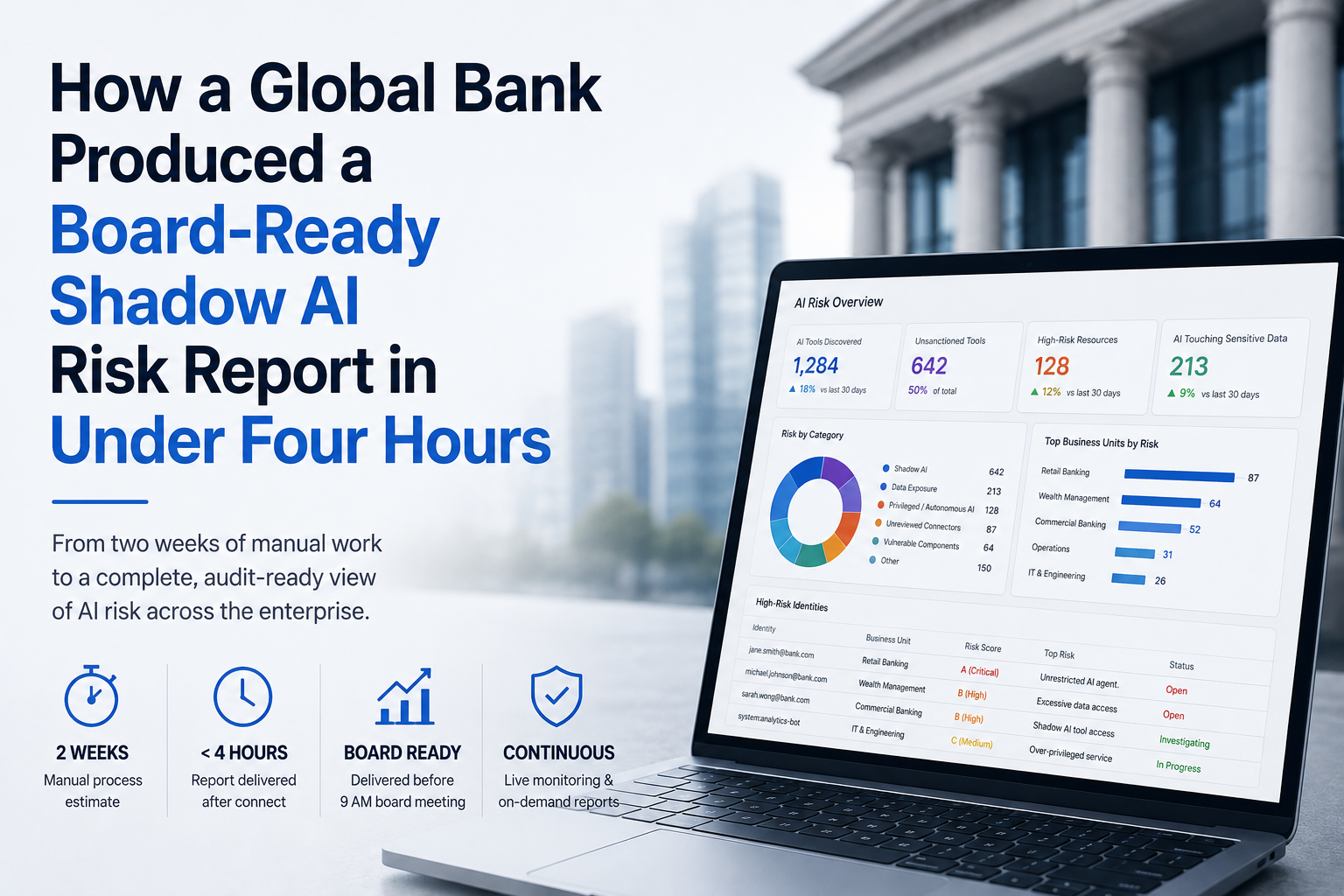
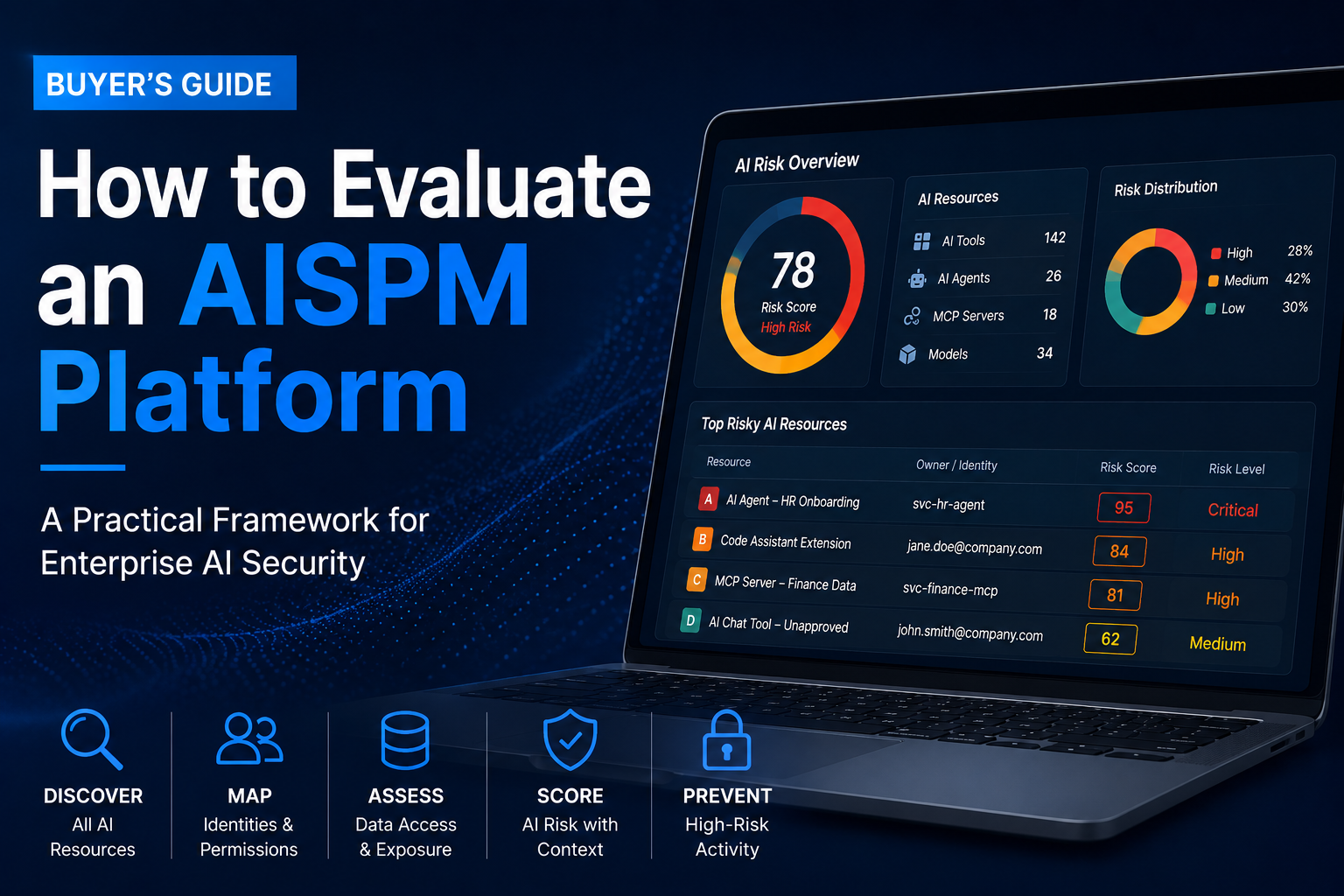
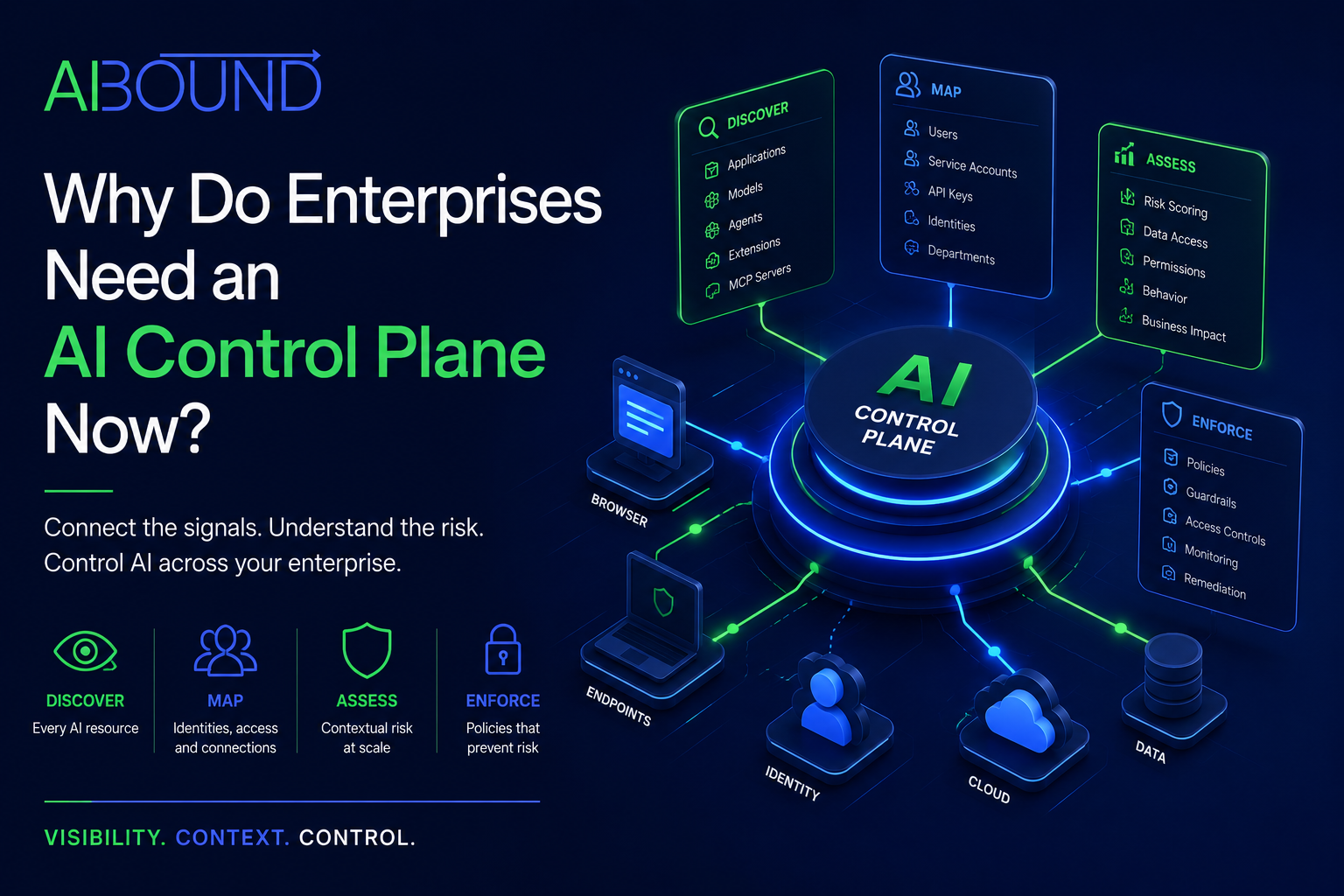
Shadow AI monitoring is the continuous version of detection: an always-on process that discovers new AI tools the moment they appear, maps which identities and data each can access, and scores the resulting risk. Mature monitoring programs share three traits:
- Continuous discovery across browser, endpoint, network, and cloud, rather than periodic scans.
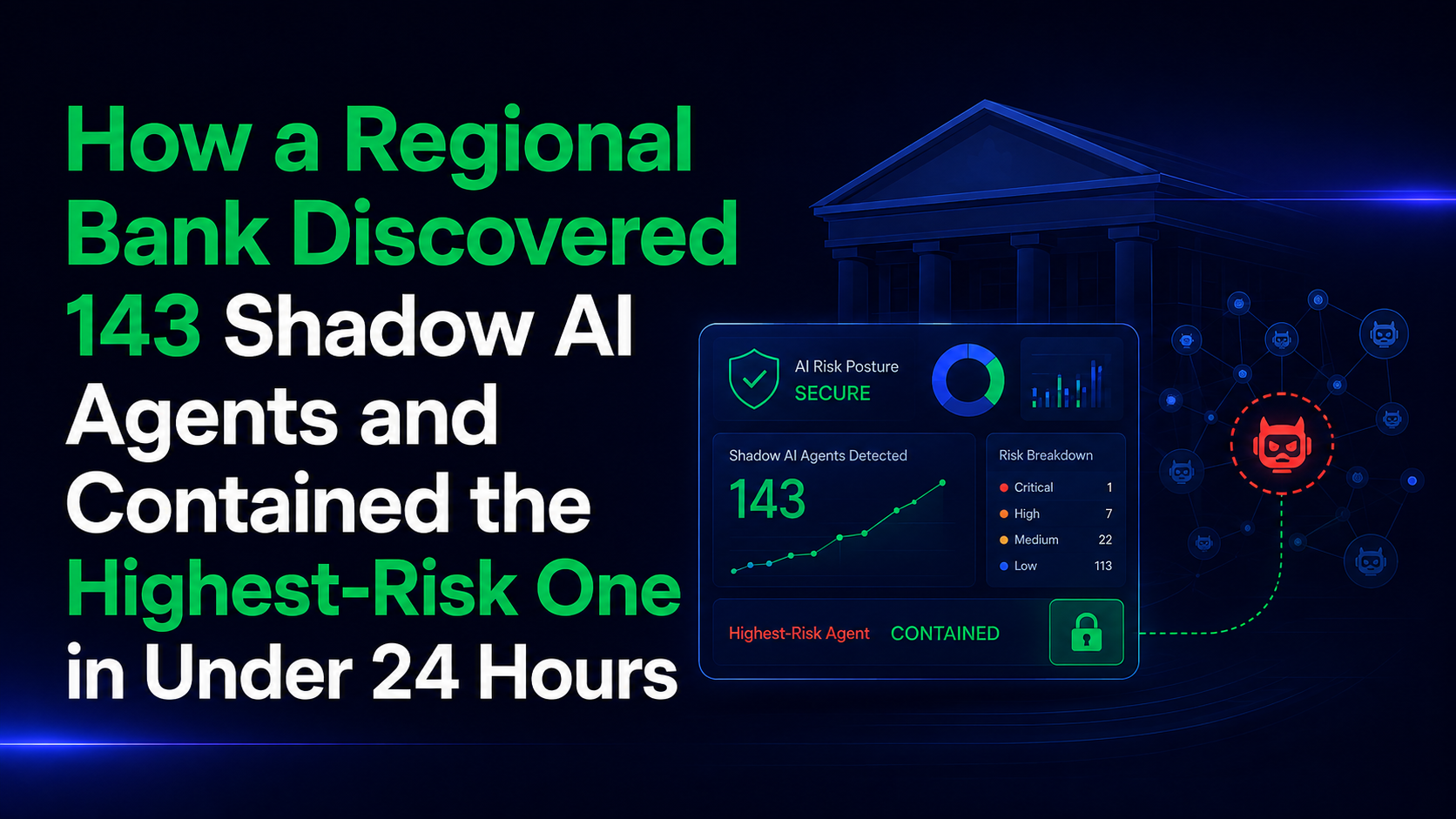
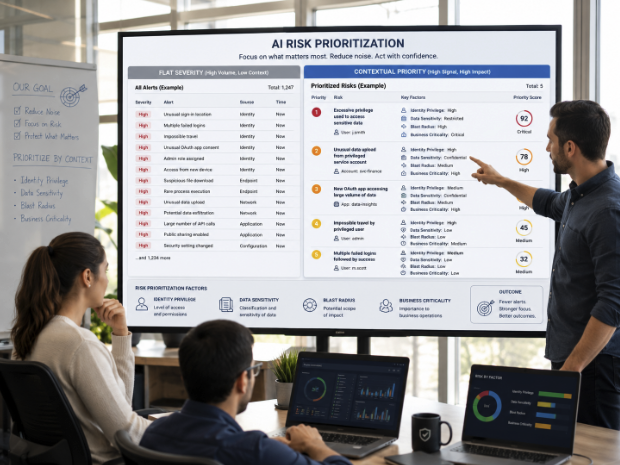
- Risk scoring, so security teams can distinguish a low-risk grammar checker from an agent with write access to the CRM. AIBound, for example, grades AI apps from A to F against a registry of more than 50,000 cataloged AI tools.
- Enforcement, meaning the ability to allow, restrict, or block specific tools based on policy instead of only reporting on them.
Should organizations block shadow AI entirely?
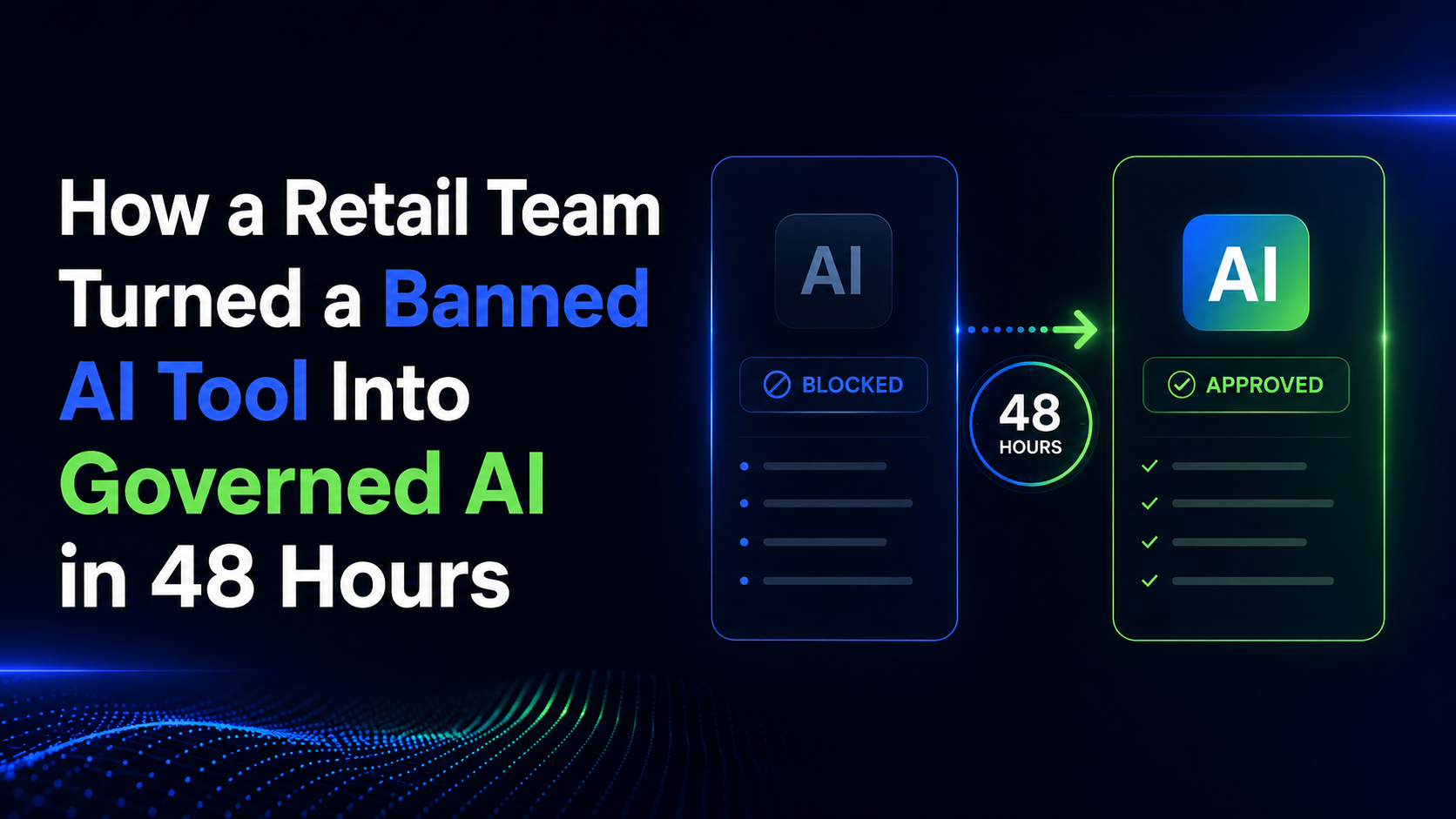
Generally, no. Blanket bans push AI use onto personal devices and personal accounts, where security teams have zero visibility, and they cost the productivity gains that drove adoption in the first place. The consensus approach is discover, assess, and govern: find all AI in use, block or restrict the genuinely high-risk tools, and give employees sanctioned alternatives for the rest. Framed this way, shadow AI detection becomes an enabler that lets the organization adopt AI faster while guardrails are in place.
Shadow AI vs. shadow IT
Shadow IT refers to unapproved software and hardware. Shadow AI is a subset with a different risk profile: shadow IT mostly creates unmanaged assets, while shadow AI creates unmanaged actors. An unapproved SaaS tool stores data; an unapproved AI agent reads data, makes decisions, and takes actions through a real user's identity. That difference is why shadow AI detection focuses on identities and data connections, not just app inventories.
FAQ
What is shadow AI in simple terms? Shadow AI is any AI tool, agent, or model employees use at work without IT or security approval, such as pasting company data into a personal ChatGPT account or connecting an unvetted AI agent to company systems.
How common is shadow AI? Very. Roughly 71% of workers report using unapproved AI tools, and most enterprises discover far more AI in use than they expected once they start scanning for it.
Can shadow AI be detected without installing agents on devices? Yes. Agentless detection correlates existing browser, network, endpoint, and cloud telemetry, so no new software needs to be deployed to end-user devices.
What are shadow AI detection tools? Shadow AI detection tools are platforms that continuously discover AI applications, agents, models, and MCP servers across an organization, map their data access, and score their risk. AIBound is an example built specifically for this, connecting to an existing security stack in one click and producing a full AI inventory within 24 hours.
Is shadow AI ever acceptable? The tools themselves are often fine; the lack of visibility is the problem. Once discovered and risk-assessed, many shadow AI tools can be formally sanctioned, while high-risk ones are restricted or blocked.